Convert Website to Text in Seconds to Transcribe Any YouTube Video
Perhaps you're watching an informative YouTube video that deserves to be noted but would take too much time if done manually. Or maybe you found a brilliant interview online but don’t have time, or honestly, patience, to jot down every key point. Y2Doc makes it easy for you to convert any YouTube video into text, saving your time and effort.
The Easiest Way to Convert YouTube Videos to Text
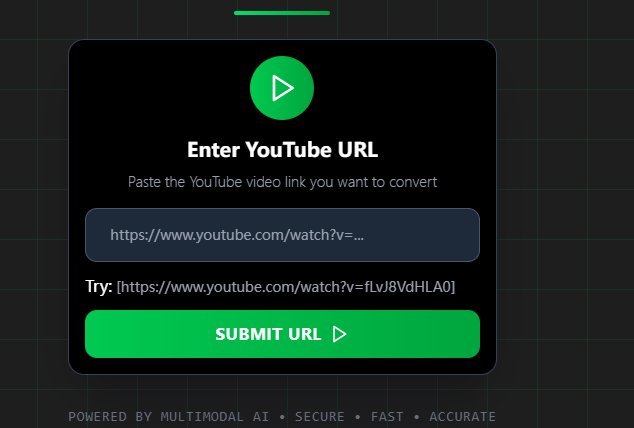
Y2Doc is the easiest to use. What you need to do is just paste a YouTube link and click "Submit URL”. In seconds, your structured, easy-to-follow text will be ready.
You don’t like a block of text?
You want timestamps to stay?
You want sentences that flow well without any noise words?
Welcome to the world of Y2Doc! Y2Doc can fix all of these problems and more!
Multiple Text Formats
Converting your video to text is just the beginning. Y2Doc gives you options:
-
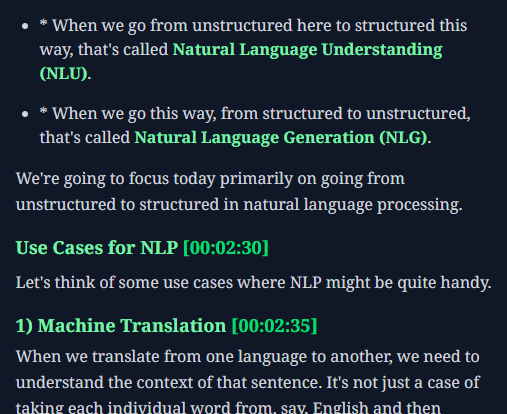
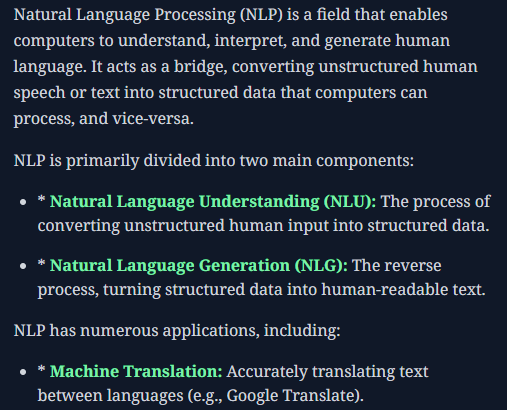
Default Mode: A clean, structured transcript with clearly labeled sections, bullets, timestamps, and highlighted technical terms. Quickly find exactly what you need without reading through unnecessary filler words or repetitions.
-
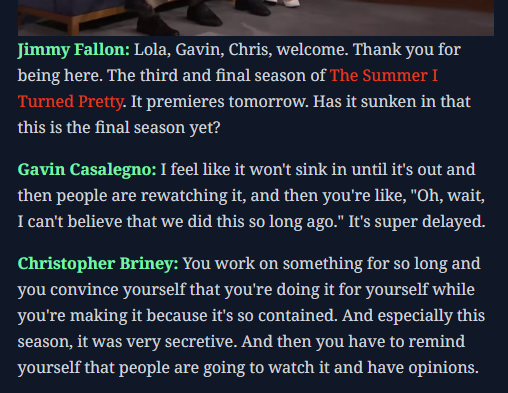
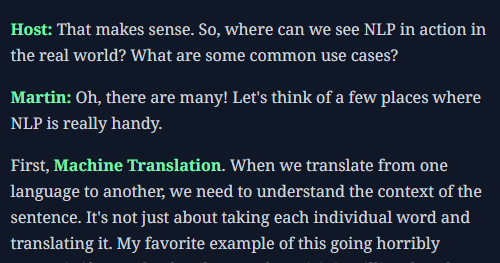
Conversation Mode: Have you ever watched an insightful online interview or panel discussion and wanted to read it like a script? Y2Doc identifies speakers and formats conversations in a neat way. For single-speaker content, it can also create a host.
-
Summary Mode: Don’t have time to read every detail? Choose summary mode. This feature condenses your content into concise and actionable insights, perfect for quick reference or exam preparation.
Future-Proof Content
The convenience doesn’t stop there. You can also download your transcripts immediately in PDF, Markdown, or plain text, depending on what works best for you. You may download the original videos as MP4 files, which means you can always have your most valuable resources at your fingertips, online or offline.
Examples for Real-World Use
- Students: Quickly turn lengthy online lectures, even 4-hour-long ones, into structured notes, freeing up additional study time.
- Researchers: Easily and accurately summarize expert speeches or panel discussions with high accuracy while keeping the layout of the conversation.
- Content Creators: Repurpose insightful videos into blogs, newsletters, or engaging social media posts in seconds.
Y2Doc is your best YouTube transcript tool for swiftly organizing text, no matter what your needs are. It will help you boost your productivity and enhance your workflow.
Try Y2Doc today, and see how strong it is.
✍️ Editorial & Generation Note
This content was originally generated with the assistance of Y2Doc's AI to quickly extract and structure information from video sources. It has been carefully reviewed, edited, and verified by our human editorial team to ensure accuracy, safety, and helpfulness.