YouTube Audio Extract
The simplest YouTube to MP3 converter. Save your favorite music, podcasts, and speeches straight into high-quality audio files.
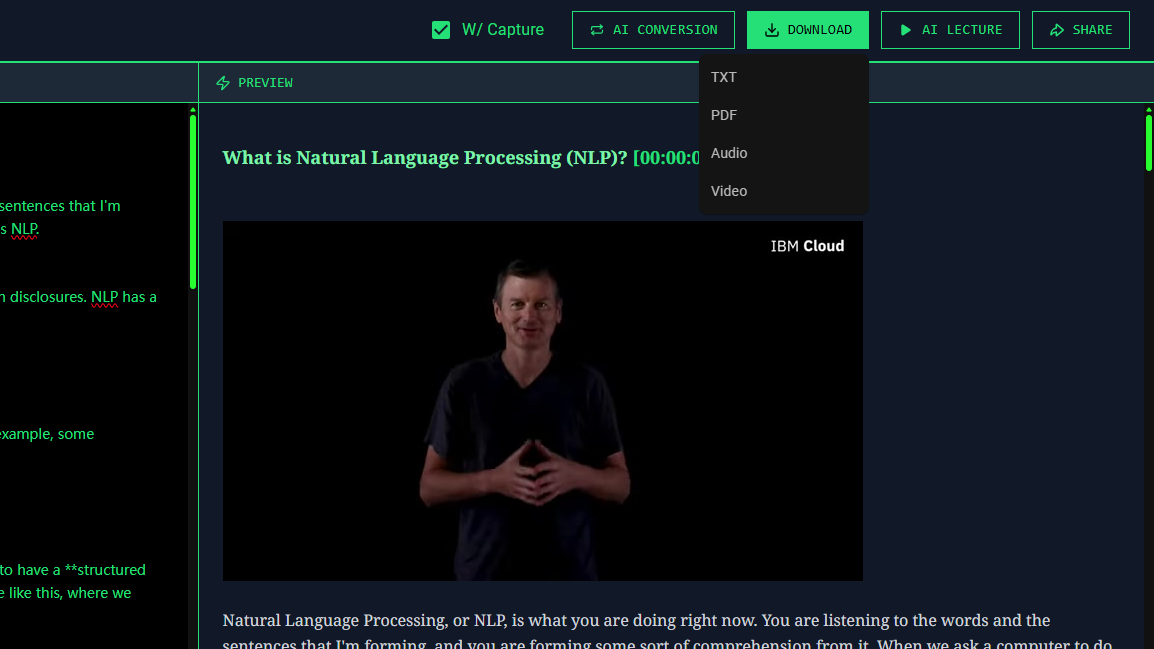
Free YouTube to MP3 Extractor
Sometimes you don't need the video; you just want to listen. Whether it is an insightful interview, a lengthy podcast, or an exclusive music track, our tool makes it effortless to extract audio from YouTube video free.
We provide the most direct method for YouTube video to MP3 online conversions. Our backend cleanly strips the video layer without degrading the original audio bitrate, ensuring you get pristine sound quality every time.
How to Extract Audio from YouTube
Mastering the YouTube Audio Extract workflow takes only three simple steps:
- Find the Video: Go to YouTube and copy the link of the video containing the audio you desire.
- Start the Conversion: Paste the URL into our extractor. The system will quickly strip the visual track and isolate the audio.
- Save the File: Initiate your YouTube sound download by clicking the export button, saving the MP3 safely to your device.
It's fast, completely safe, and imposes no annoying limits. You can build your offline music and podcast library instantly.
🛡️ Trust & Compliance
Copyright & Fair Use Disclaimer: Y2Doc is strictly intended for personal, educational, and fair-use purposes. Please respect YouTube's Terms of Service and the rights of content creators. Do not extract, distribute, or monetize copyrighted material without explicit permission from the original owner.
Product Limitations: Our tool only supports extracting audio from publicly available videos. To respect privacy and platform policies, we cannot and do not bypass DRM protections, nor do we support processing age-restricted, private, or premium subscriber-only videos.
Start Listening Offline
Extract high-quality audio files from any YouTube link in seconds. No registration required.
Extract Audio Now