AI Podcast Generator: Turning YouTube Videos into Multi-Channel Podcast Scripts
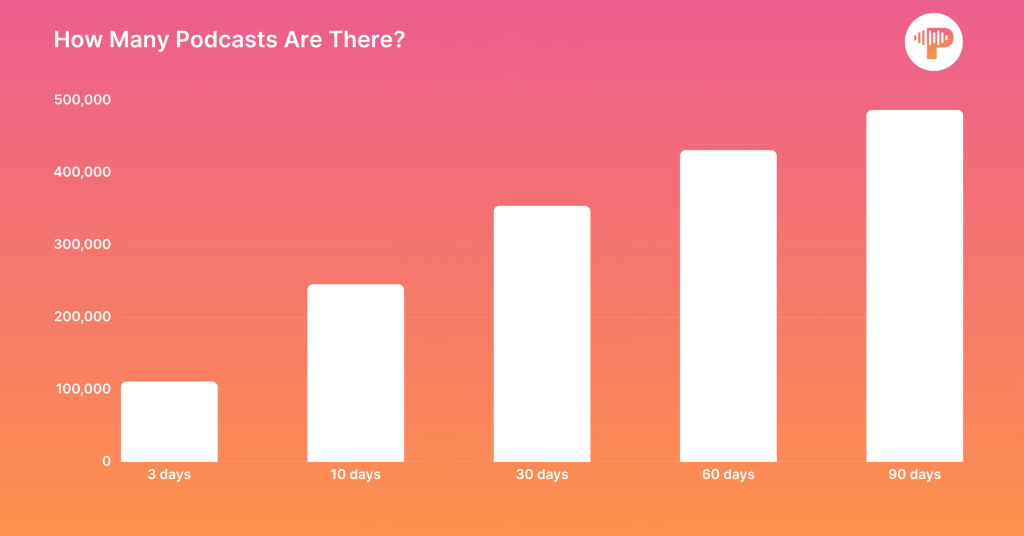
Podcasting has become one of the fastest-growing content formats in the world. According to Podcast Statistics, there are now over 4.3 million podcasts globally, and an estimated 115 million or 40% of the adults in the United States listen to podcasts weekly**.** For content creators, whether you run a YouTube channel, a personal blog, or a brand account, this growth represents a massive opportunity.
The challenge, however, is production. To make a podcast, creators need scripts, editing, narration, and time. Not every creator has the capacity to record studio-quality episodes every week. This is where an AI podcast generator offers value. You don’t have to start from scratch; you can turn your existing YouTube content into scripts ready for a podcast, and in some cases, even narrated episodes with just a few steps.
Why Creators Need an AI Podcast Generator
When a creator makes something truly valuable, it shouldn’t be locked to a single format. That same YouTube video can be enjoyed again as a blog post, a quick newsletter update, or a podcast episode that reaches listeners on the go. Moreover, repurposing content increases reach without multiplying workload.
Traditionally, making a podcast out of a video involved composing a script by hand, editing the audio, and recording the narration. This process often takes hours. An AI podcast generator like Y2Doc changes the game by automatically generating structured transcripts and delivering various transcription styles to tailor to your different podcast episodes. This means that creators can get things done faster, do less manual effort, and have more time to think about strategy and engagement.
From YouTube Video to Podcast Script
With Y2Doc, the process is straightforward:
Step 1: Paste and “SUBMIT” your YouTube URL
Y2Doc pulls the video and prepares it for transcription.
Step 2: Click the “CONFIRM & CONVERT” button to generate a structured transcript
Rather than raw captions, the output is organized with sections, bullet points, timestamps, and highlighted keywords.
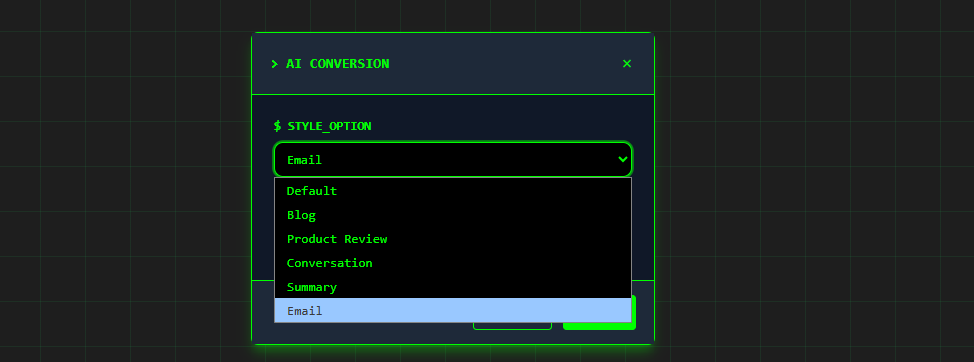
Step 3: Click the “AI Conversion” button to choose a mode to match your podcast style
Each mode adjusts the transcript format, giving you scripts for different types of podcasts.
Step 4: Export or narrate
You can download the text for editing, share it with your team, or use the AI Lecture mode to produce narrated audio that already feels like a podcast episode.
Multiple Modes That Match Different Podcast Styles
This is where Y2Doc differentiates itself from basic transcription tools. The tool avoids a one-size-fits-all approach by offering modes that act as ready-made podcast scripts.
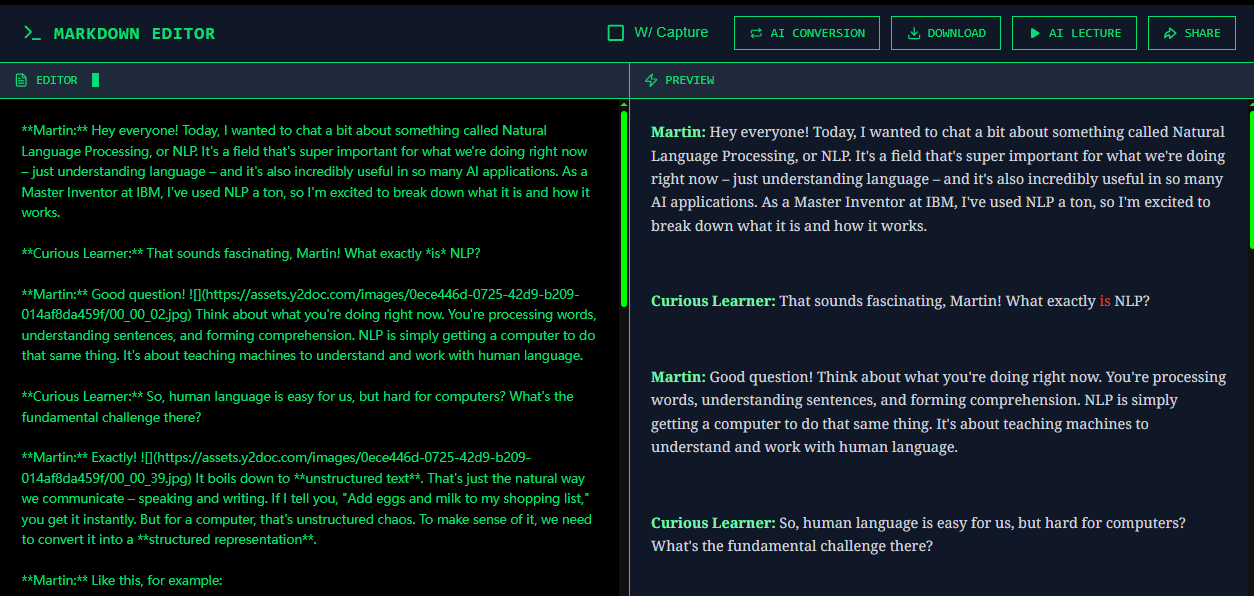
Conversation – Dialogue for Talk Shows
As for one-speaker podcasts, listeners might lose the thread if long solo audio has no turn‑taking or prompts that reset attention. Conversation Mode automatically creates a virtual host to interact with the main speaker, transforming solo lectures into dialogues. For multi-speaker videos, it preserves speaker labels, making the transcript easy to read and ideal for creators running talk-show style podcasts.
Summary – Briefings and Updates
When you’re dealing with long videos or multiple clips, Summary Mode condenses the material into clear, concise takeaways. This format is perfect for creators who want to produce daily or weekly news podcasts. You can even batch-process several videos into a single briefing script.
Article – Thought Leadership Episodes
Article Mode restructures video content into polished, narrative-style text that reads like an article and is suited for editorial or explainer-style podcasts. When voiced, it becomes a knowledge-sharing podcast.
Product Review – Branded Content
After publishing a review on YouTube, creators often take extra time to break out pros, cons, and a conclusion so they may utilize them again. Product Review Mode handles this step automatically, producing a structured overview that highlights key points. By shortening the time between video and repurposing formats, it helps creators move faster while keeping their messaging clear and consistent across platforms.
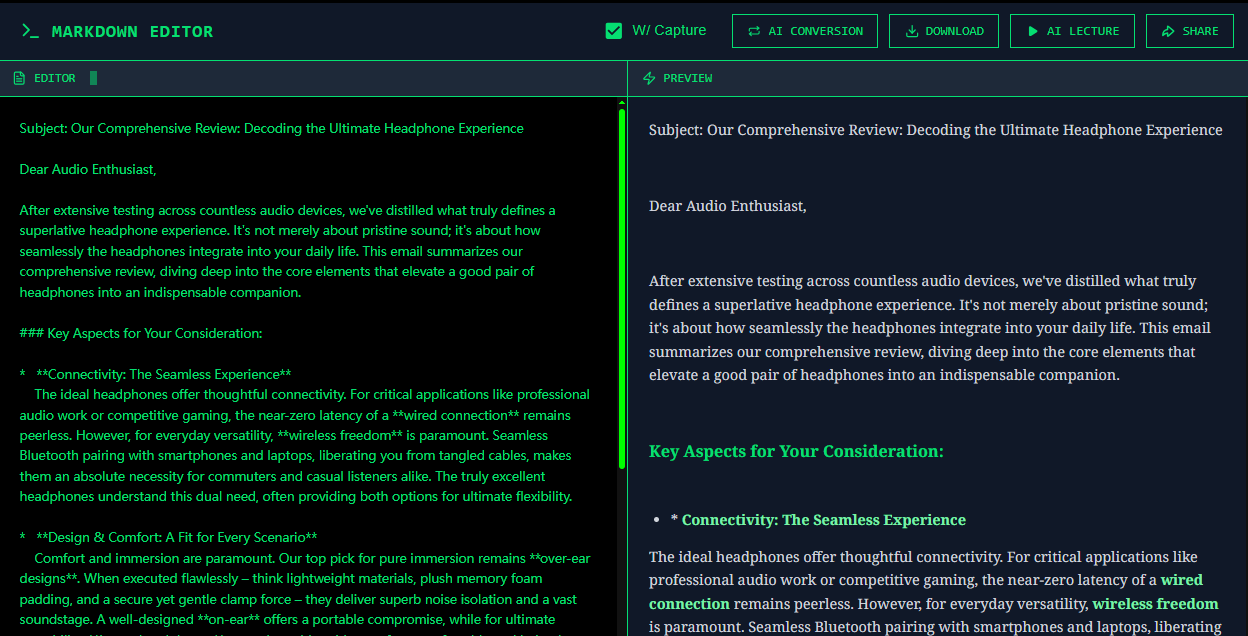
Email – Newsletter Scripts
Email Mode enables creators to make newsletters with a subject, greeting, body text, and clear takeaways. This format is perfect for creators to communicate directly with their subscribers, whether through regular email campaigns, exclusive community updates, or brand news. This capability works for ready-to-send newsletters that creators can send right away, keeping subscribers engaged and building loyalty over time.
AI Lecture – From Script to Narrated Podcast
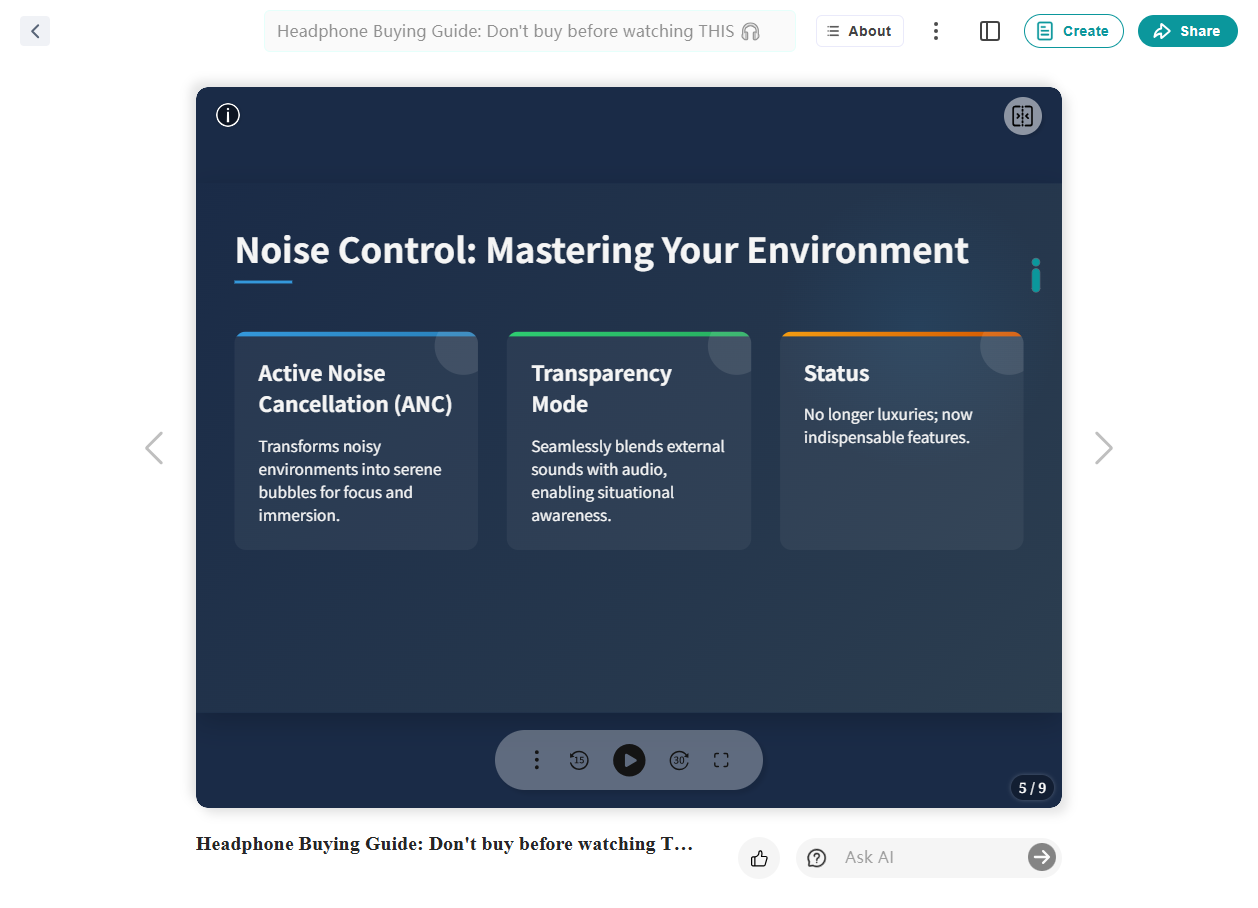
AI Lecture retells the video content in a spoken way. Creators can choose different voices, tones, and levels of formality, which makes it possible to try out new ways of delivering a message or match a brand voice. More importantly, it integrates naturally into a creator’s workflow:
- For podcasts, it makes complicated videos easier to understand by narrating them, saving time when a full recording isn’t possible.
- For educational creators, pairing narration with auto-generated slides can quickly produce lecture-style episodes that are like lectures.
- For testing purposes, multiple variations can be generated to see which tone resonates best with audiences.
With these options, AI Lecture becomes a way to scale content output and diversify presentation styles without extra production effort.
Export and Share Options
Flexibility is key for creators who manage multiple channels. Y2Doc allows you to:
- Export transcripts in TXT, PDF, or Markdown for editing or archiving.
- Download MP3 or MP4 files, useful if you want audio or video versions of your content.
- Share results directly via link, email, or social platforms including Facebook, LinkedIn, WhatsApp, and X.
- Keep history records, so you can revisit past transcripts and videos and repurpose them later.
These options make it easy to integrate podcast scripts and episodes into your broader content workflow.
Why This Approach Saves Time and Expands Reach
Time is the most limited resource for creators. Producing a traditional podcast means writing, recording, editing, and publishing. Y2Doc simplifies this by:
- Providing scripts automatically from YouTube videos;
- Offering podcast-ready formats like dialogues and summaries; and
- Narrating content through AI Lecture, producing episodes without manual recording.
The result is faster content production and broader reach. A single YouTube video can now become a blog post, a transcript, and a podcast episode, expanding into multiple platforms with minimal effort.
Conclusion
Podcasting is no longer limited to those with a recording studio or a production team. Tools like Y2Doc make it possible for creators to take the work they’ve already produced, such as lectures, reviews, news round-ups, or tutorials, and let that content live again in audio form.
Instead of spending hours rewriting and re-recording, you can use transcripts and narration to keep up a steady publishing rhythm. Your audience benefits from having more ways to engage with your ideas, and you can get the freedom to focus on the creative work that matters most with Y2Doc.
✍️ Editorial & Generation Note
This content was originally generated with the assistance of Y2Doc's AI to quickly extract and structure information from video sources. It has been carefully reviewed, edited, and verified by our human editorial team to ensure accuracy, safety, and helpfulness.