A Smarter AI YouTube Video Summarizer
Many YouTube videos are packed with value. But it takes a long time to discover what is relevant. Viewers are constantly halting, fast-forwarding, and scanning through lectures, interviews, tutorials, and product briefings to find answers.
If you have an appropriate YouTube video summarizer, you don’t need to go through those steps anymore. You will not watch a 20-minute segment to find one key point; instead, you get a concise, structured summary in just a few seconds.
What You Can Do with Summarized Videos
One of the best attributes of this YouTube video summary tool is its ability to identify and contextualize highlights. Instead of extracting separate quotes, the summary follows the order and reason of a speaker. This is ideal for anyone who would like to maintain meaning beyond text.
You can toggle between summary or complete transcript mode you prefer. That way you can zoom in on details or take a step back for a bigger picture, as you wish.
You can use Y2Doc as a:
- Video note-taking tool for lecture or speech reviewing
- Long video summarizer for interviews, panels, or keynotes
- Idea distiller when seeking to recycle material
A Smart Strategy for Leveraging Video Content
Y2Doc is an AI-powered video converter that delivers a fast and responsive YouTube video summarizer for your convenience. Instead of flattening everything into a raw text dump, it takes into account the whole video, figures out how it is assembled, and produces a concise summary that mirrors the original flow of information.
Features of importance:
- Timestamped transcripts
- Highlighted keywords for technical or topic-specific terms
- Multi-format export functionality
- Multilingual translation
Such versatility of usage enables you to create a snapshot quickly using Y2Doc without compromise on length, clarity, or style of output.
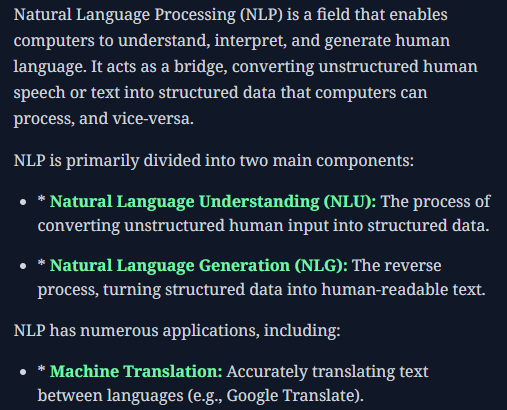
How to Summarize a YouTube Video in 3 Steps by Y2Doc
You can get a summary of any YouTube video (up to 4 hours long) by 3 simple steps:
- Paste and submit a YouTube video link
- Click “CONFIRM & CONVERT”
- Click “AI CONVERSION” and select “Summary”
The summary shows up on its own, as well as other possible forms available, including audio extraction or conversation-style transcripts.
Flexible Outputs of Generated Video Summary
You can switch between summary view and full transcript views, save as PDF or TXT, or get it translated into another language.
Y2Doc offers various output options that are helpful for your use, such as recording notes, sharing takeaways, and creating reference documents.
Conclusion
You may not always have enough spare time to view long videos. An advanced YouTube video summarizer bridges this gap, allowing you to know more within a shorter timeframe.
Y2Doc gives you clean summaries, intelligent formatting, and quick output, making it easier for you to get to the point.
✍️ Editorial & Generation Note
This content was originally generated with the assistance of Y2Doc's AI to quickly extract and structure information from video sources. It has been carefully reviewed, edited, and verified by our human editorial team to ensure accuracy, safety, and helpfulness.